
What is a legacy system?
A legacy system is software that still supports the business but is becoming harder to maintain, improve, integrate, secure, or scale.
Free interactive assessment
Answer a few guided questions and get a clear Legacy Risk Score showing where downtime, manual work, support gaps, and hidden maintenance cost may be slowing your business down.
A legacy system is software that still supports the business but is becoming harder to maintain, improve, integrate, secure, or scale.
It is for SME owners, founders, COOs, operations managers, business managers, and IT decision-makers who suspect their current system may be slowing the business down or increasing risk.
The score estimates how much business exposure your current system may be creating across maintenance, security, scalability, operations, and people dependency.
Why this matters
Many businesses keep legacy systems running through patches, workarounds, spreadsheets, and vendor dependency. That can feel manageable until growth slows down, errors increase, or a key person becomes unavailable.
When teams copy data between systems or build reports manually, the business pays for the same work again and again.
If a small change takes too long or feels risky, even routine improvements become expensive.
Older systems are more likely to become slow, unstable, or hard to recover during busy periods.
When only one vendor or one person can safely make changes, continuity becomes a business risk.
How it works
We start with simple questions about company size, system type, and how important the system is to day-to-day operations.
We look at downtime, slowness, workflow friction, support risk, and how hard it is to make changes.
You get a business-facing summary, category scores, and a practical view of what should be fixed first.
This is an estimate, not a full technical audit. It is designed to help you spot warning signs early and decide whether a deeper review is worthwhile.
Interactive analyzer
Most questions are quick selections. Minimal typing required.
Step 1 of 5

Reviewing support risk, operational friction, growth limits, and dependency exposure.
Your system risk snapshot
Get the full breakdown, priority fixes, modernization roadmap, and a clearer view of what may be costing the business the most.
Methodology
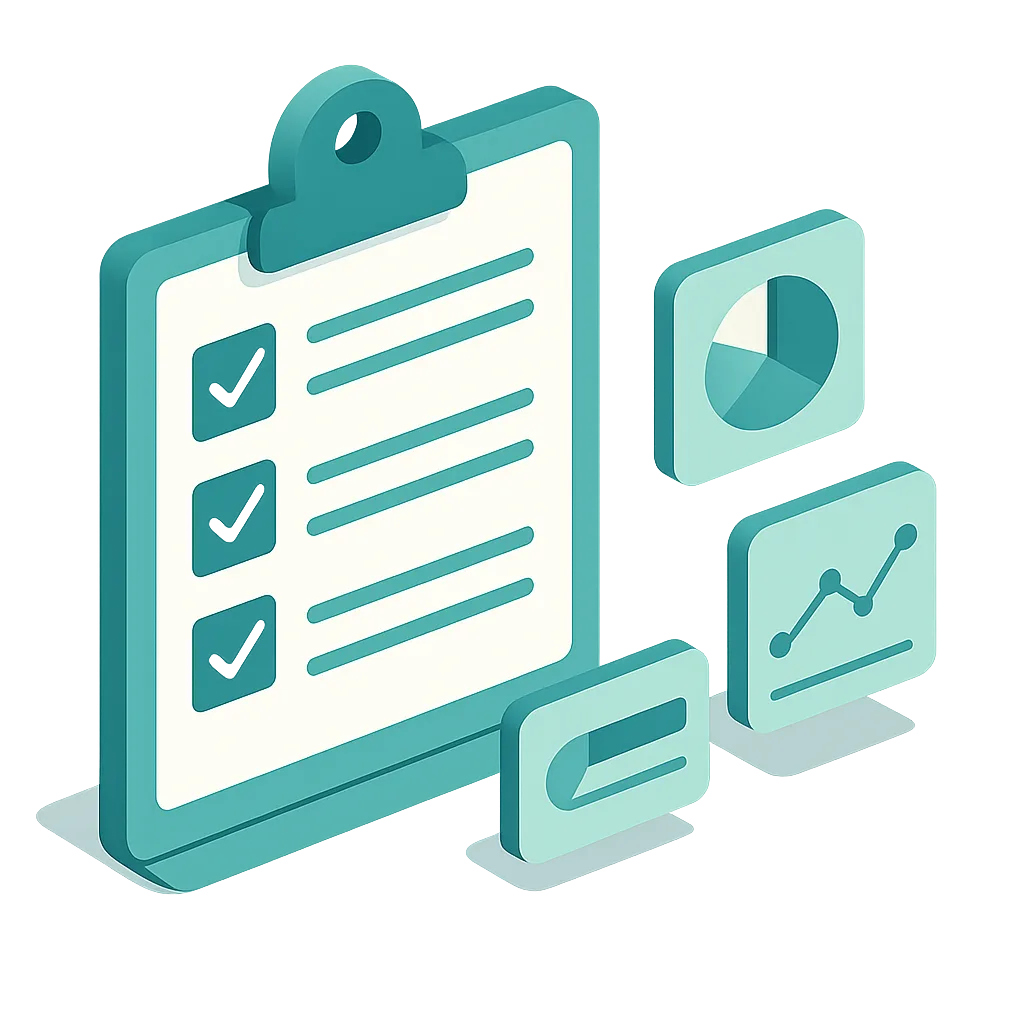
System age, support health, downtime, workflow friction, security concerns, backup confidence, people dependency, and growth pressure.
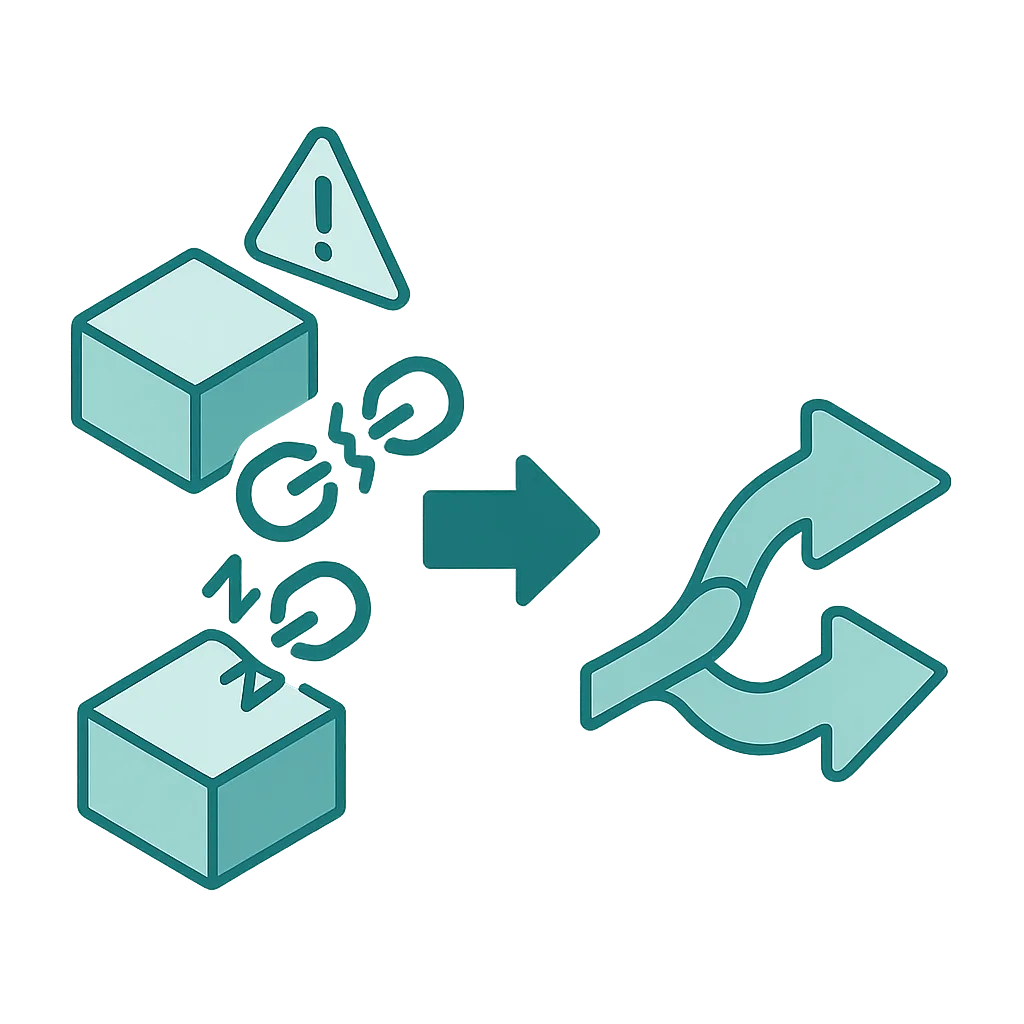
These factors usually show up as slower changes, duplicate work, customer disruption, support dependency, and higher operating cost.
A higher score does not automatically mean rebuild now. It means the business risk and cost of delay are likely increasing.
This tool provides a directional estimate. A detailed review is still recommended before major budgeting or migration decisions.
Common warning signs
Modernization path
Why companies use this first
It helps leadership teams explain why the current setup is slowing down operations, growth, or continuity.
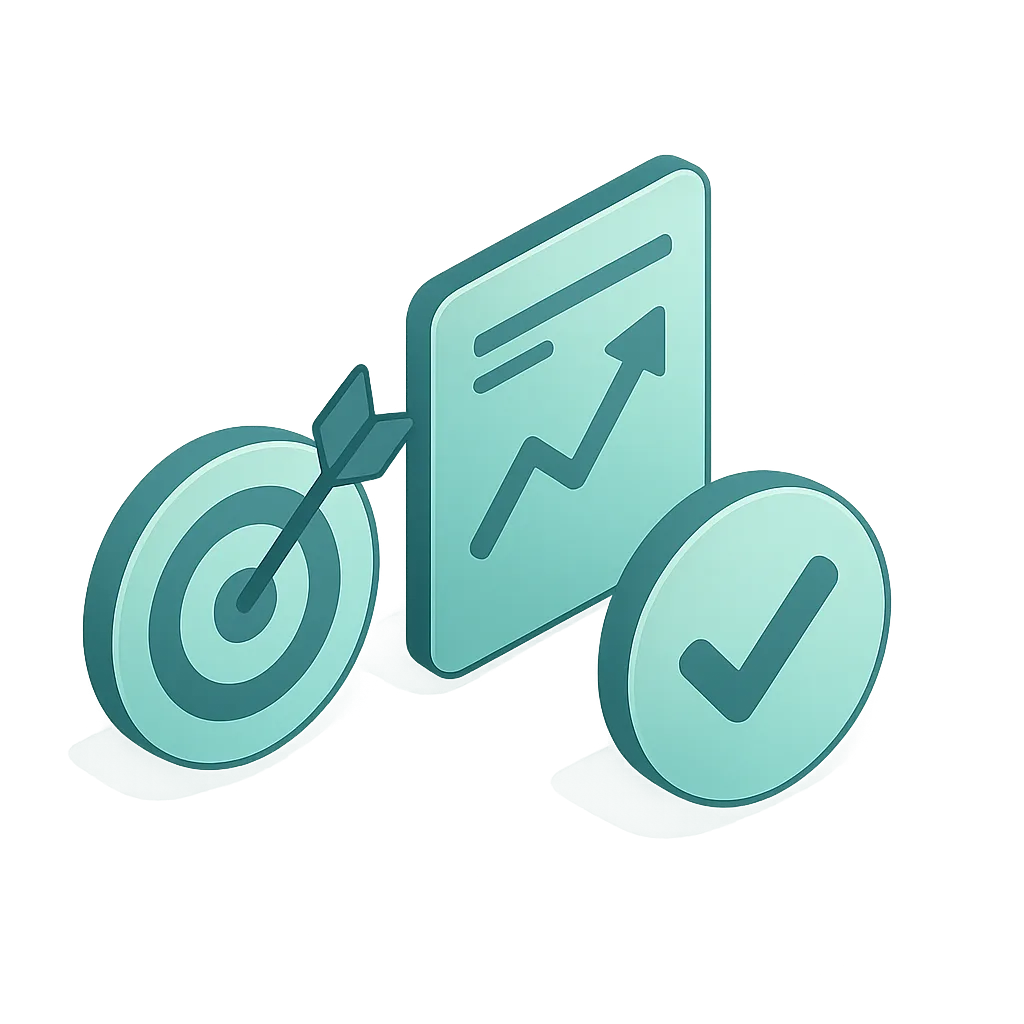
The output is designed to show what should be stabilized first, not just assign a score.
This tool is designed to assess business risk, not collect secrets. Please do not enter passwords, infrastructure credentials, or confidential technical information.
Frequently asked questions
A legacy system is business software that still supports operations but is becoming harder to maintain, update, integrate, secure, or scale.
Common signs include slow changes, manual reporting, spreadsheet workarounds, downtime, weak integrations, and reliance on one person or vendor to keep things running.
The biggest risks are rising maintenance cost, slower operations, avoidable downtime, continuity risk, and reduced ability to grow or improve customer experience.
No. Many businesses start by stabilizing risk, improving integrations, reducing manual work, and only rebuilding the areas where change creates clear business value.
It is a directional assessment designed to help business teams spot warning signs early. It supports planning, but a detailed review is still recommended before major investment decisions.
It is built for SME owners, founders, COOs, operations managers, business managers, and IT decision-makers who want a clearer business view of system risk.
Need a second opinion before committing budget?
Use the analyzer for a quick assessment, then speak with Virtualspirit if you want a more detailed review, phased roadmap, or implementation plan.